Why does a phone battery drain quickly when unused? Causes and solutions for iPhone and Android
Why does your phone battery drop quickly even when unused? Causes and solutions.
Why does a phone battery drain quickly when unused? Causes and solutions for iPhone and Android
Al-Wasat Iraqi Newspaper – Technology
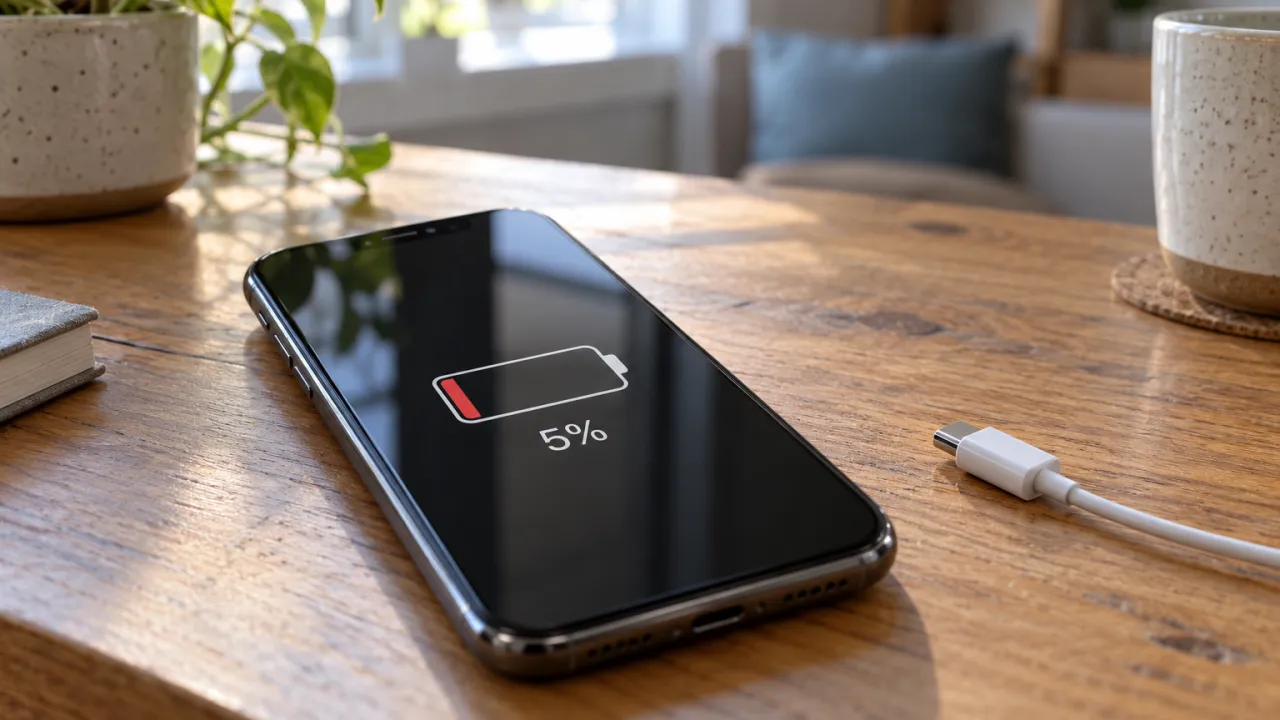
You leave your phone on the table, then return to find the battery percentage has dropped even though you did not use it. This does not necessarily mean the battery is damaged; the phone may continue performing energy-consuming tasks while its screen appears off.
Finding a solution begins with knowing when the drain started: did it appear after an update? Does it happen in an area with weak coverage? Did it begin after installing a new app?
Screen off... but the phone is running
Apps can continue certain activities in the background, such as playing audio, syncing data, and using location. Therefore, turning off the screen does not mean power consumption stops.
Open the phone settings, then the battery section, and review the most power-hungry apps. Pay attention to an app that shows high background activity despite little use, rather than judging by its percentage alone; its consumption may be high because you used it for a long time.
Weak signal: a cause you may not notice
Searching for a signal in areas with weak coverage can increase battery consumption. If you notice the battery drops more in a specific location, compare performance in a place with a stronger signal.
When a reliable, strong Wi‑Fi network is available, use it for internet connectivity. Airplane mode is suitable for periods when you do not need cellular connection, noting that it cuts off cellular calls and messages.
Did the problem start after an iPhone update?
Some update-related tasks may continue running in the background after installation, temporarily affecting power consumption and the device's temperature.
Therefore, Apple's guidelines recommend waiting a few days and rechecking if battery life remains reduced after a system update, rather than immediately assuming it is damaged.
Practical steps to reduce drain
Start by reviewing app consumption, then update the app you suspect or restart the device. You can restrict unnecessary apps' background activity, noting this may delay some functions or notifications.
While using it, lower the screen brightness to a suitable level, reduce the screen timeout, and enable power-saving mode when needed. Option names and locations vary by phone model and system version.
When do you need to have the device checked?
If unusual drain persists after reviewing apps, updates, and connection conditions, check the battery health information if available, or contact the manufacturer's support to determine the cause.
The most important step before replacing the battery is distinguishing between high consumption caused by settings and apps, and a problem that requires technical inspection.